Begin with an actual appointment
An enquiry about availability is different from a confirmed booking.
Send a booking confirmation only when the appointment exists in the scheduling system and the relevant booking conditions have been met.
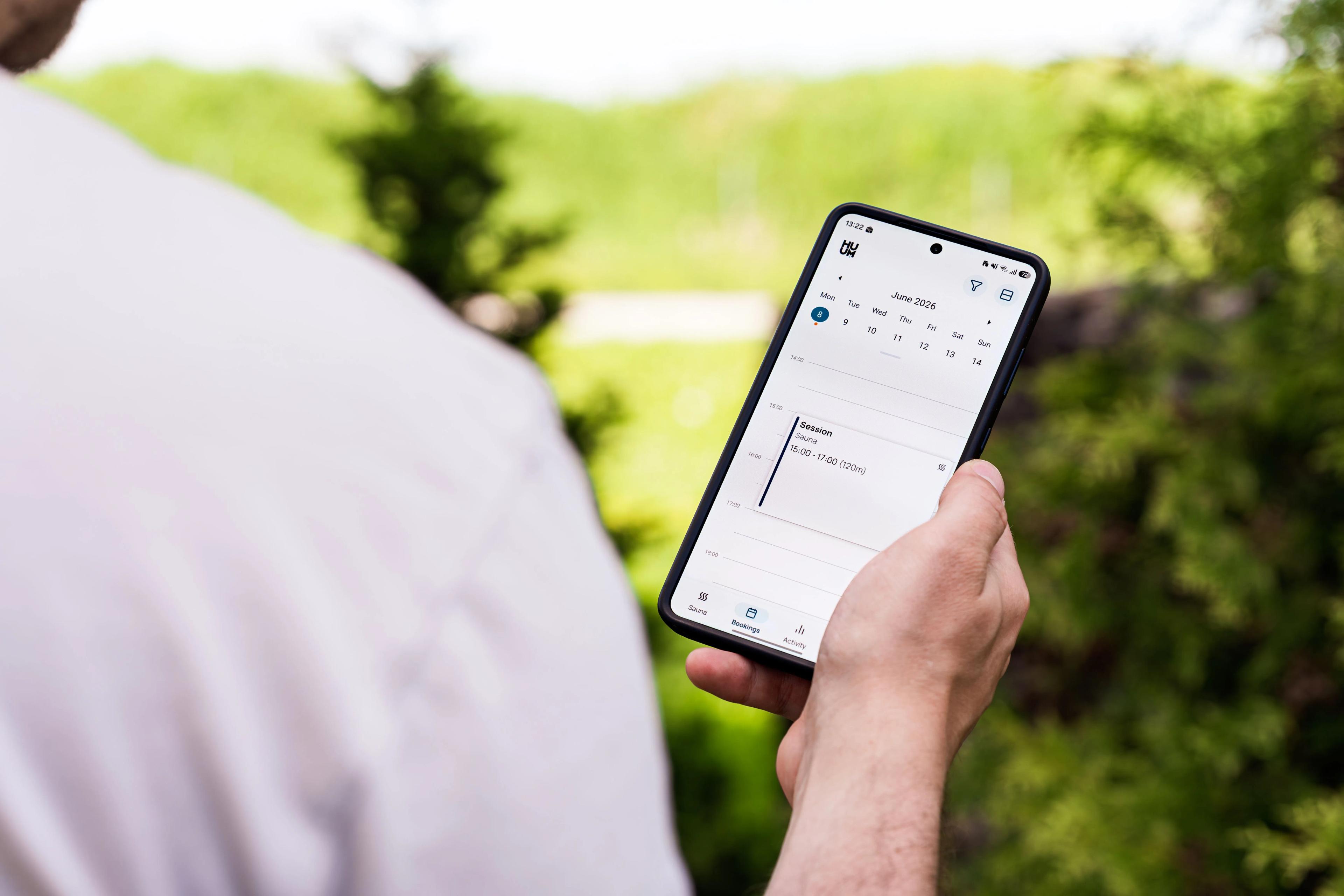
That confirmation should make the practical details easy to find:
- Appointment date and time.
- Clear timezone information.
- Location or meeting link.
- Anything the person should prepare.
- A way to reschedule or cancel.
Choose a reminder schedule that fits the appointment
A useful starting example is a confirmation after booking and a reminder before the appointment. Whether another reminder is appropriate depends on the service and the customer’s expectations.
A consultation booked weeks ahead may need a different approach from a same-day appointment.
Treat any sample schedule as something to test. There is no single sequence that suits every service business.
Also account for short-notice bookings. Someone who books shortly before the appointment should not receive several overdue reminders together.
Write messages around the next action
A reminder can be brief:
“Your consultation is scheduled for [date] at [time and timezone]. Join using [link]. If your plans change, you can reschedule here: [link].”
Use your platform’s actual supported merge fields when implementing it. Test the rendered message rather than assuming the placeholders will resolve correctly.
Handle changes before sending
A reminder workflow should respond to cancellations and rescheduling.
Check whether the original reminder is removed, whether the new appointment time is used, and whether the correct customer receives the message.
HighLevel provides appointment-related workflow conditions, including rescheduling and appointment dates, when the workflow uses supported appointment triggers. Their availability depends on that trigger context. See HighLevel’s appointment filter documentation.
Give replies somewhere to go
Customers may reply with a question rather than use the rescheduling link. Assign someone to monitor those replies.
For international appointments, test different customer and account timezones, including daylight-saving changes where relevant.
If you use HighLevel's Contact Timezone setting, a missing contact timezone falls back to the account timezone. Check this fallback before scheduling messages for customers in different regions.
Review attendance, delivery failures, rescheduling, and complaints. If attendance improves, record the actual measurement period before presenting it as a result.
Need a booking workflow that handles changes as well as reminders? Explore crm2automation’s GoHighLevel setup services.